pgAdmin 4
Use pgAdmin to inspect PostgreSQL, run SQL, create database backups, and manage pgAgent jobs. It is optional and disabled by default.
| Setting | Default |
|---|---|
| Web UI port | 5050 |
| Configuration | /pgadmin/data/config_local.py |
| Local state and log directory | /pgadmin/data |
| Persistence in the maintained layout | /data/pgadmin |
| pgAdmin configuration database | pgadmin in managed PostgreSQL |
Enable pgAdmin
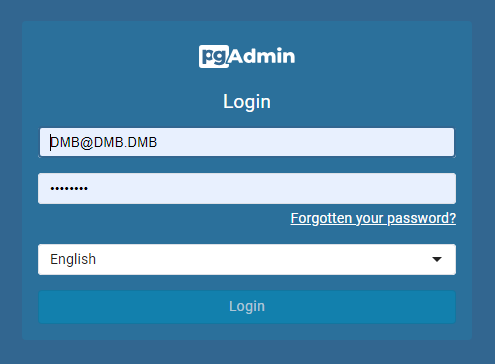
- Set a first-run email/username and a strong password in pgAdmin's DUMB settings.
- Enable pgAdmin and start the service. Managed PostgreSQL must also be running.
- Open pgAdmin → Embedded UI, or use
http://<host>:5050if you deliberately publish that port. - Sign in with the pgAdmin account, then review the saved PostgreSQL connection.
The shipped bootstrap account is [email protected] with password postgres. Replace these public values before use outside a trusted local network. An existing pgAdmin account can have different credentials; changing DUMB's first-run settings does not reset that account's password.
The email serves as the username and can use a reserved address such as [email protected].
Technical details: configuration reference
Configuration settings in dumb_config.json
A minimal override for a fresh account:
{
  "pgadmin": {
    "enabled": true,
    "setup_email": "[email protected]",
    "setup_password": "<choose-a-strong-password>",
    "port": 5050
  }
}
| Field | Meaning |
|---|---|
enabled |
Start the managed pgAdmin service |
setup_email, setup_password |
First-run account credentials; environment overrides are PGADMIN_SETUP_EMAIL and PGADMIN_SETUP_PASSWORD |
default_server |
Listener address; default 0.0.0.0 binds all container interfaces |
port |
Container listener port; this does not publish a Docker host port |
config_dir, config_file, log_file |
Managed state, generated configuration, and log paths |
command |
Managed startup command; normally leave this to DUMB |
Server configuration
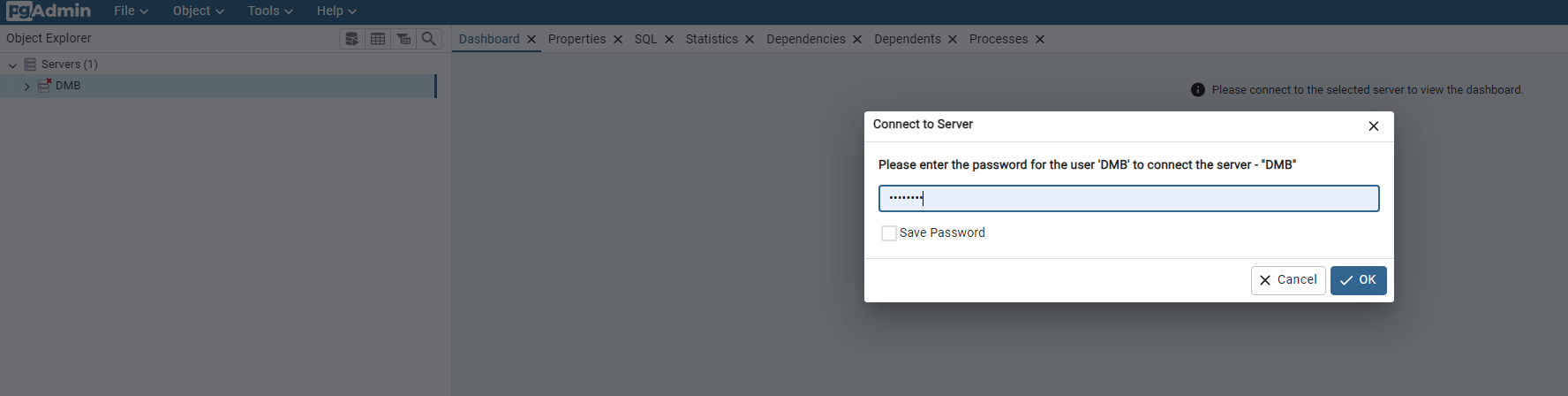
The pgAdmin login and the PostgreSQL connection use separate credentials. When opening a saved server, enter the database password from postgres.password or POSTGRES_PASSWORD; its public bootstrap default is postgres.
Development update · not in the released 2.23.0 docs
The setup checklist can register a connection through pgAdmin's supported provisioning command. Choose the connection name and group, review the preview, then apply it. DUMB reuses an exact existing connection and preserves unrelated definitions and saved-password settings. If automatic registration cannot use an existing pgAdmin account, the web service can still run; review or add the connection manually.
For a manual connection, use the managed PostgreSQL host and port saved in DUMB (normally 127.0.0.1:5432 inside the container), maintenance database postgres, and the configured PostgreSQL user.
Extensions
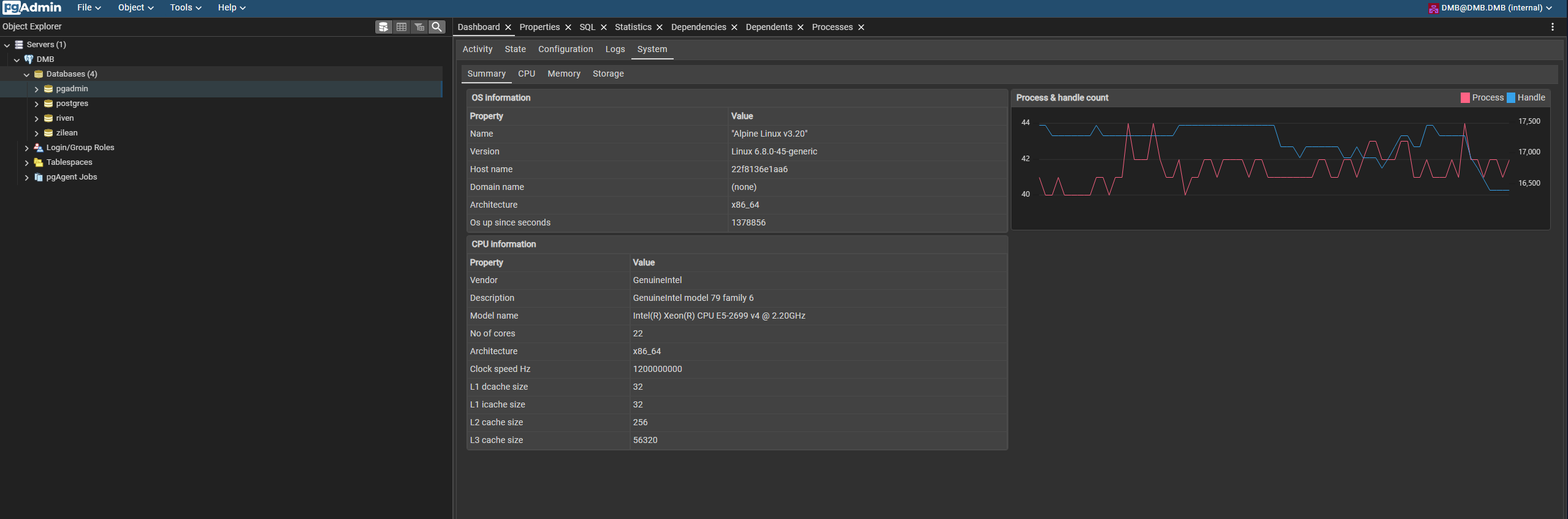
system_stats
The image includes the PostgreSQL system-statistics extension. Inspect it in a connected database where the extension is installed.
pgAgent
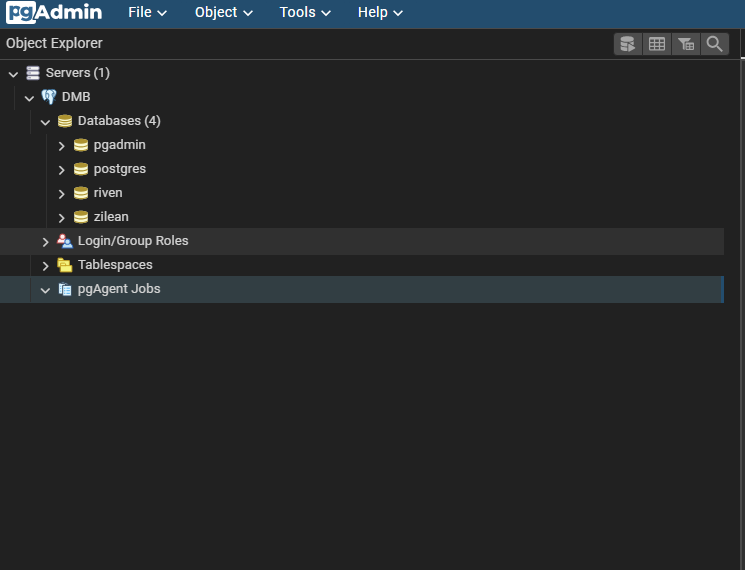
DUMB starts pgAgent with pgAdmin for scheduled database jobs. Follow the scheduled-backup example for database discovery, retention, off-system copies, and a restore test.
Backups and access
Backing up pgAdmin's local data alone does not back up the databases it administers, or its PostgreSQL-backed configuration database. Use logical pg_dump backups for the databases and protect the local pgAdmin state as well.
The configured database role determines what pgAdmin can change. The default shared DUMB role can administer the registered application databases, so keep access restricted and disable pgAdmin when it is no longer needed.